A gallery foryour photos.
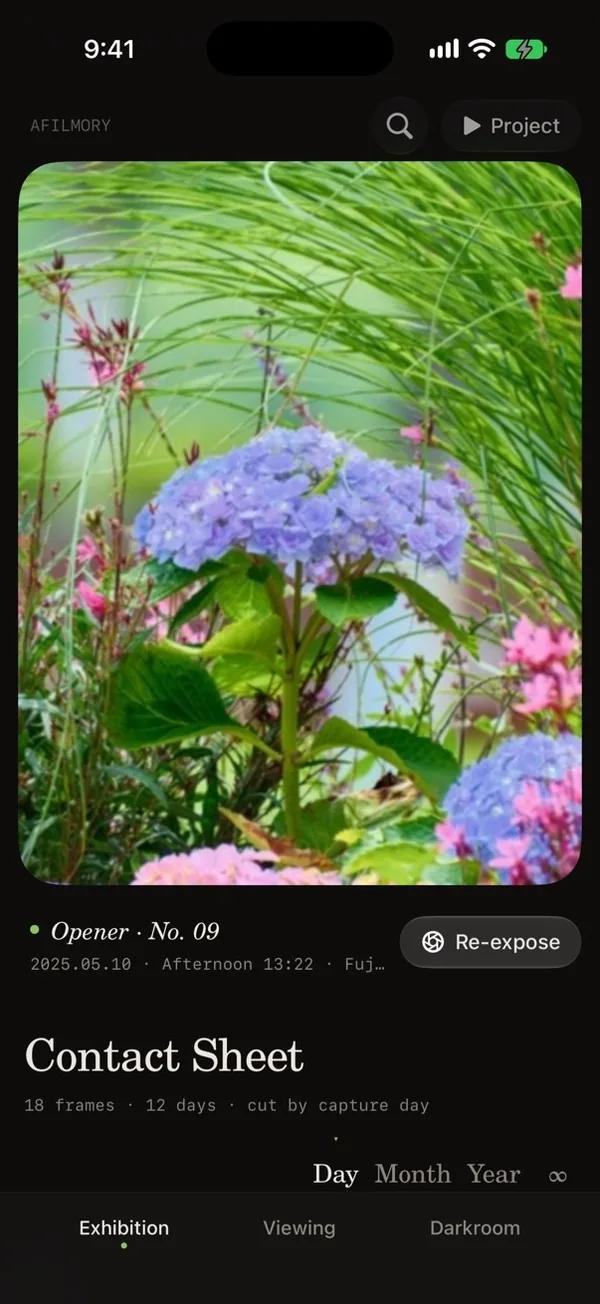
Upload your photos and Afilmory reads the camera, lens and exposure, then lays them out at their original proportions. Look at them on the web or on iPhone, or run it on your own server.
NewWander wall→
Cloud drives are for storing photos, not for showing them. Thumbnails get cropped to squares, the settings are hidden, and sharing means sending a list of file names. In Afilmory each photo keeps its shape, the settings sit next to it, and what you share is a link people can actually browse.
Settings read for you
Camera, lens, aperture, shutter and ISO come straight from the EXIF. Nothing to type in.
Colours follow the photo
Open a photo and the buttons and highlights take on its main colour.
Web, iPhone, self-hosted
Upload on your phone and it shows up on the web right away. Self-hosting runs the same software.
Originalproportions
Nothing gets cropped, so portraits stay portrait. Filter by tag, camera, lens, rating and date, or switch to a list. Open a photo to see its full settings and histogram.

Wanderwall
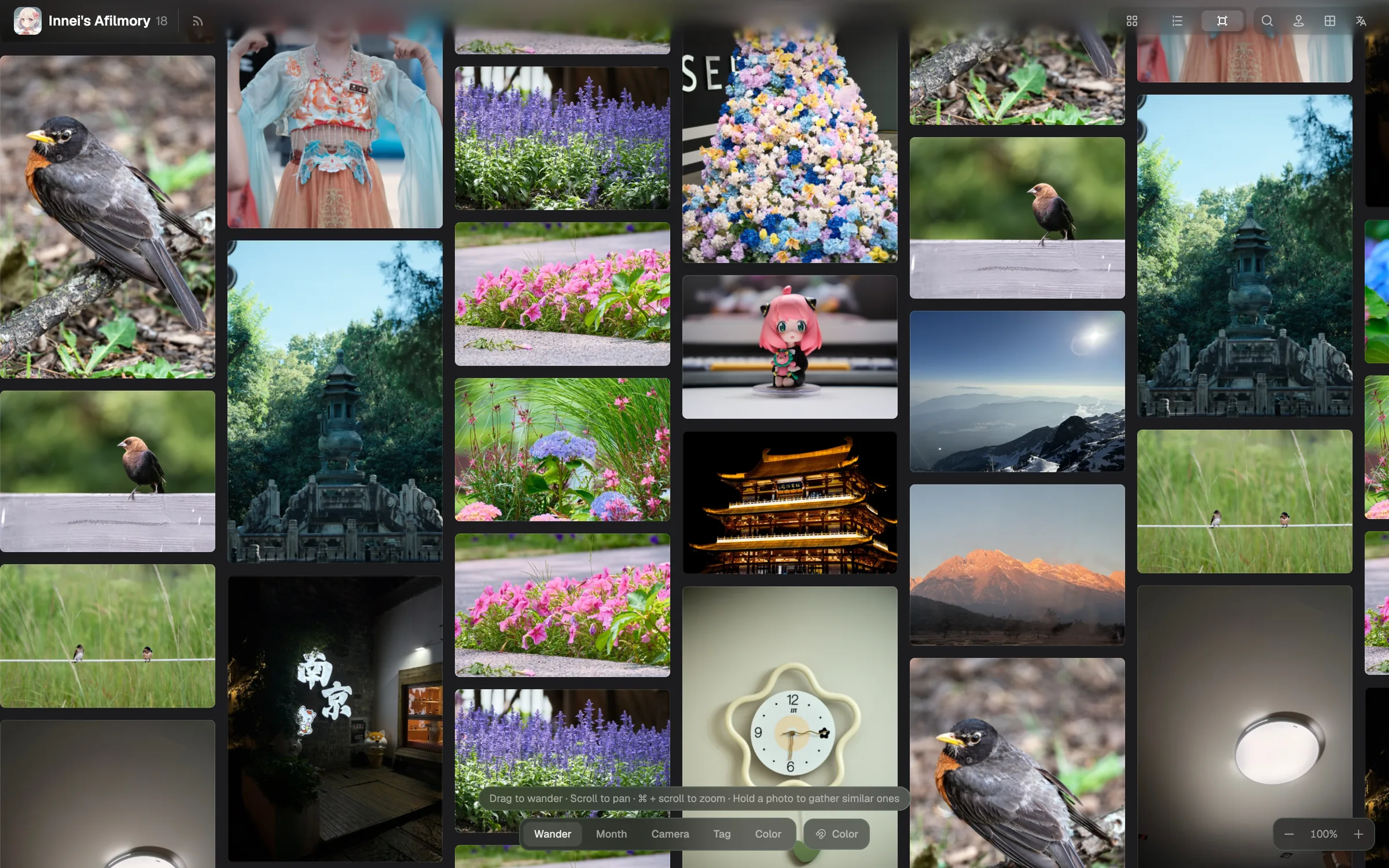
All your photos on one canvas you can drag around. Rearrange it by month, camera, tag or colour; hold a photo and similar ones move closer; zoom out below 20% and it turns into a film strip.
Other people’s galleries
Loading…
Upload from the app,or host it yourself
The easiest way is the iPhone app. If you want your photos to stay in your own storage, deploy a copy with Docker.
Self-host
Open source. One command to start; storage can be S3, B2, GitHub or a local folder.
docker run -d -p 3000:3000 afilmory/coreCreate yourgallery
Free for 500 photos and 5 GB · add your own domain later